How to Check Whether a Business Image Was AI-Generated or Edited
Check an image’s origin or suspected edits before publication using original files, provenance clues, detector results and a clear human decision.
An AI image detector can help you investigate a business image, but it cannot clear the image for publication on its own. First decide what readers will believe the image shows. Then inspect the best available file, check its source and provenance, and use a detector result to guide specific follow-up questions. If the image will be presented as a photograph of a real product, person, place or event, a person must resolve any uncertainty that affects that claim.
Start with the claim the image must support
An illustrative image and a purported product photograph ask different things of a reviewer. For an illustration, the question may be whether its presentation makes an unintended factual claim. For a product photograph, the reviewer needs to know whether it depicts the actual product and whether visible details match approved product information. A detector score cannot answer those questions.
Write down the claim before running a check: “This is a photograph of the current product, with its current label,” for example. Identify who supplied it and what evidence would confirm that claim. This keeps the review from drifting toward the less useful question, “Does this look AI-made?”
Keep the best available files
Ask the supplier for the original file rather than relying only on a screenshot or a copy downloaded from a page. If an edit is suspected, request both the pre-edit image and the supplied export. Keep the files separate so you can compare what changed.
Inspect available file metadata and content credentials, including C2PA credentials where a suitable checker can read them. These are different from a detector’s assessment of visual patterns. ImageDecoder says its checker reads metadata and C2PA credentials when available; DeepAI says its detector instead analyzes pixel-level patterns without relying on metadata. Record which kind of check you actually performed. Do not describe a pixel-only result as a provenance check.
Missing metadata or credentials do not establish that an image was generated. ImageDecoder notes that editing, screenshots and downloads can remove metadata. The file may also be a poor detector input: Imagera warns that screenshots, heavy re-compression, filters and retouching can weaken detection signals and contribute to both high scores for real photos and low scores for generated images. That is why the original is worth requesting even when the supplied copy is easy to upload.
Before uploading an unpublished or sensitive image, establish where the chosen check sends and keeps it. For example, Imagera says its image checks upload files to its infrastructure and record the run and result against the account. If that handling is unsuitable for the image, do not upload it there merely to get a score.
Use a detector as a lead, not a vote
Read the result as the tool presents it: a classification such as “likely real,” “AI-generated” or “digitally edited,” possibly alongside a likelihood percentage, confidence label or cited visual signals. Those fields describe the tool’s estimate. They do not verify the supplier’s account or prove that every part of the image is authentic. Free.ai explicitly cautions that visual detection can produce false positives and false negatives; Imagera likewise describes its score as a likelihood, not a certainty.
Record the tool and result, including an “uncertain” classification if one appears. Do not turn several scores into a vote. Different checks can examine different evidence: one may inspect metadata and provenance, while another may examine pixels and not read C2PA at all. Free.ai, for instance, says its detector does not read C2PA. A disagreement may tell you what to investigate next; it is not a majority decision about the image’s history. Treat vendor performance claims as claims, not independently established accuracy for your file or workflow.
Investigate the particular concern
Substantial generation and a small edit are not the same review problem. AI Image Detector says it can often detect images with significant AI-generated portions but that minor AI enhancements or subtle AI-assisted edits may be difficult to identify definitively. It also flags hybrid images—AI-generated elements combined with real photography—as particularly challenging. A low AI score therefore cannot clear a suspected change to one consequential detail.
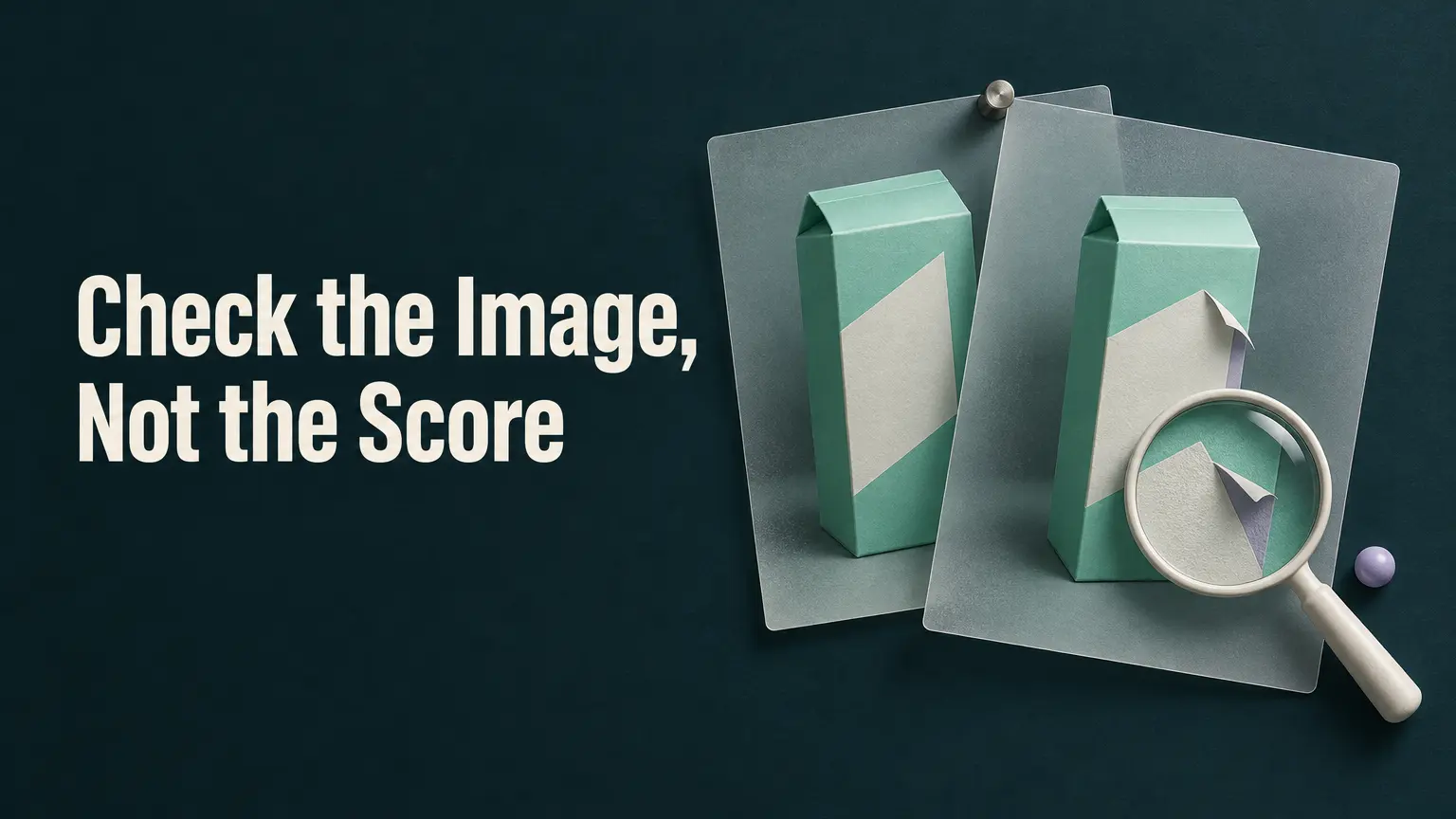
Consider a hypothetical product photo supplied for a launch announcement. The concern is whether the text on the package label was retouched. An uncertain detector result does not establish whether that happened; nor does a “likely real” result confirm the label. Compare the supplied export with the pre-edit image, ask the supplier what was changed, and have the responsible reviewer check the visible label against approved product information. If the original is unavailable, seek other relevant source evidence rather than treating the detector as a replacement for the comparison.
Record a publication decision a colleague can audit
Keep a short review record with the image’s intended claim, the files examined, their source, available metadata or content-credential findings, the detector’s actual result, the supplier’s explanation and any open questions. Separate observations from statements: “Detector classified the export as uncertain” is not the same as “Supplier says only the background was edited.” Name the person responsible for resolving an open question that affects a factual image claim.
Publish a consequential photographic claim only when human review has established the facts it needs. If the evidence is inadequate, request a better original or other confirmation, change the presentation so it makes no unsupported photographic claim, or hold the image. The useful outcome is not a reassuring percentage; it is a record of what was checked, what supports the claim and who decided what remained safe to publish.