Latest articles
Practical AI for Business Workflows
Decide which tasks in a business process could benefit from AI, including tasks involving images, video or audio.
19 articles · by Niko Minadze
Latest articles
View archive ↗-
How to Create and Approve AI Voiceovers for Business Videos
Split an approved product-demo script into reviewable segments, compare voice takes, correct spoken errors, then check the final mix and permissions before publishing.
-
Choose an AI App, Automation Platform, or API Workflow for Request Intake
Map the trigger, review gate, destination and failure path first; then test which setup can complete the handoff without an unplanned manual step.
updated
-
How to Check Whether a Business Image Was AI-Generated or Edited
Start with the claim the image would make, inspect the best available files, and treat detector results as leads to resolve with provenance and human review.
updated
-
How to Generate a Business Image and Check It Before Publishing
Brief one placement, generate and compare candidates, then review the chosen image for defects, misleading implications and rights before releasing the approved file.
updated
-
How to Draft Business Copy with AI and Check It Before Approval
Turn an original product brief into two copy options, check every claim against the supplied facts, then revise and approve the wording with a person in the loop.
-
Routing Extracted Invoices for Review and Accounting Handoff
Define the posting contract first, then use required-field, duplicate, confidence and PO-match gates to separate invoices ready for approval from those AP must resolve.
-
Turn an Approved Article into Channel Content Without Changing Its Claims
Use a source brief to turn one approved article into a spoken script and a standalone newsletter item, then check claims, omissions and permissions before either is published.
updated
-
How to Tell Whether an AI Workflow Saves Time After Review
Compare accepted work, not draft speed: measure a pre-AI baseline and pilot using the same task and quality standard, then count review, corrections, and later rework.
-
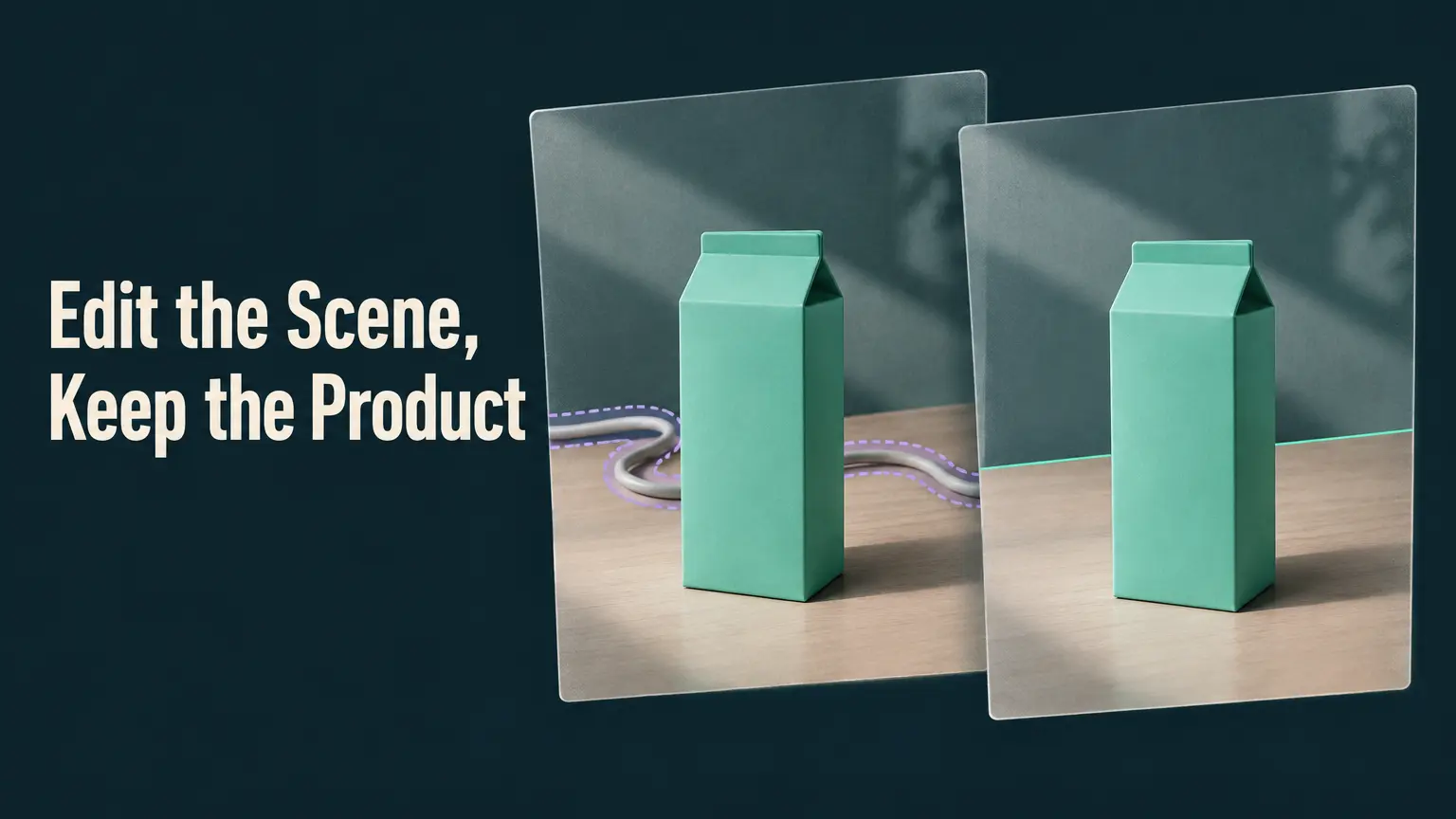
How to Edit an Approved Product Photo with AI Without Changing the Product
Keep the approved photo as the reference, select only the area that needs work, and compare every candidate against the original before clearing a file for publication.